
Product Highlights
- IEEE 802.11 a/g/n Wireless Standards
- 2.4GHz and 5GHz Frequency Band
- Connect up to 16 ClickShare Buttons
- Share from laptop, tablet or smartphone
- Up to 2 users on-screen
Overview
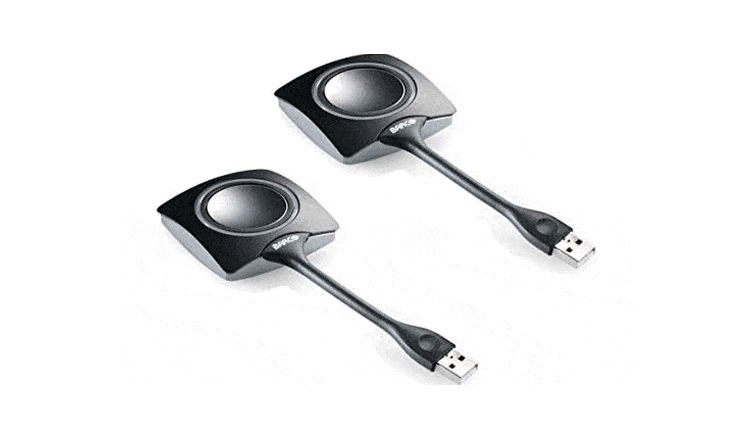
The Barco ClickShare Button is an integral part of the ClickShare Presentation System. The Button plugs into your laptop’s USB, and once connected, enables you to wirelessly share the content from your laptop using any compatible A/V equipment—simply start the application, click the button, and you’re ready to start presenting.
The ClickShare Button functions as the module for the CS-100, CSC-1, CSM-1, or CSE-200 ClickShare System. It can be paired to any of the Base Units included with those systems. The pairing process is quick and simple, allowing the Button to be easily transferred across meeting rooms without technical problems. Multiple ClickShare Buttons can be paired to a single Base Unit, and up to four users can be on-screen at the same time.
Specifications
| Specs | Spec Value |
|---|---|
| Weight | 75 g/0.165 lb |
| Dimensions (HxWxD) | 16.3 mm x 59.3 mm x 162.52 mm / 0.64” x 2.335” x 6.398” |
| Power consumption | Powered over USB 5V DC 350mA Typical 500mA Maximum |
| Frequency band | 2.4 GHZ and 5 GHz |
| Wireless transmission protocol | IEEE 802.11 a/b/g/n |
| Authentication protocol | WPA2-PSK in stand alone mode WPA2-PSK or IEEE 802.1X in network integration mode |
Technical Documentation
Barco ClickShare Buttons
Additional 2-Pack Available
- Rentex No. CSBUTTON
- Mfr No. R9861500D01
-
Available for same-day delivery in most major cities
-
Item is show-ready, double-tested for functionality
-
Accessories included, matched to the main unit


Recommended Products

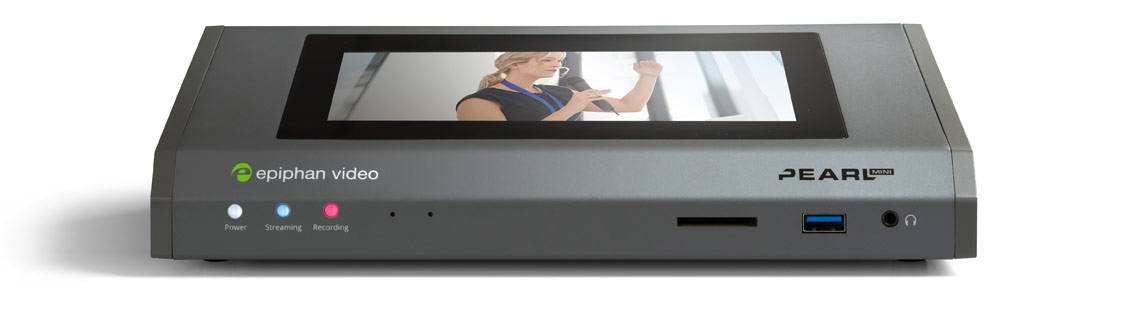
Epiphan Pearl Mini
Multi-channel Switching Streamer, Encoder, Decoder, Recorder w/512GB SSD
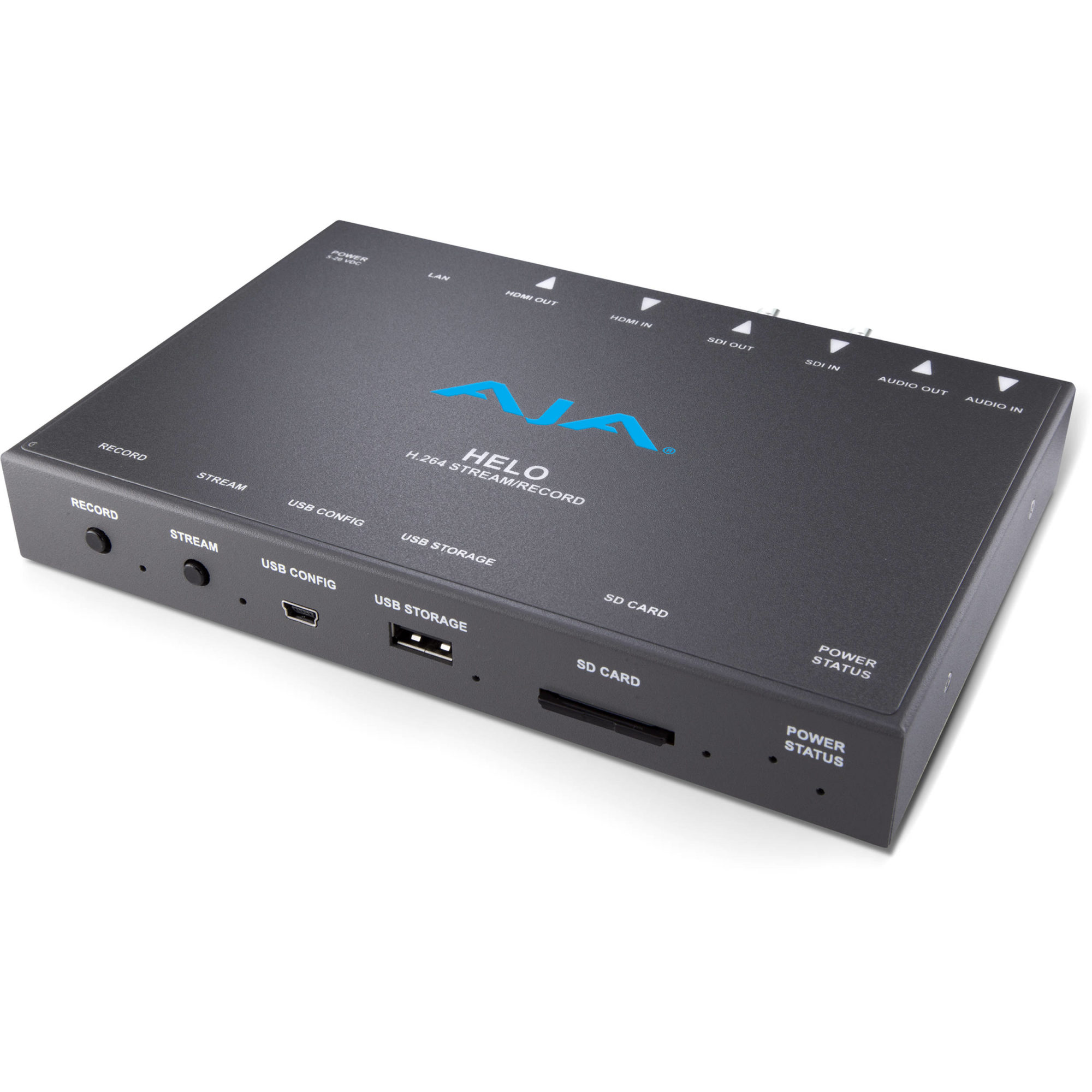
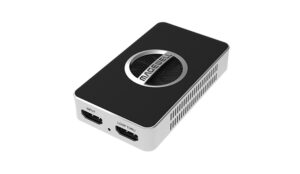
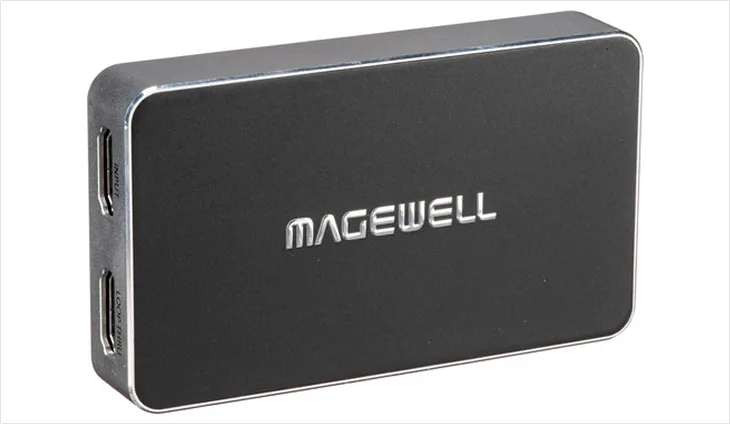
Magewell USB capture HDMI plus HD
HDMI capture up to 1080p. Plug-and-play USB interface. Compact design.